

This page describes how to configure an automatic incident escalation procedure. To understand how escalation works, refer to the Escalation page.
Duration: 5 minutes.
Configuration
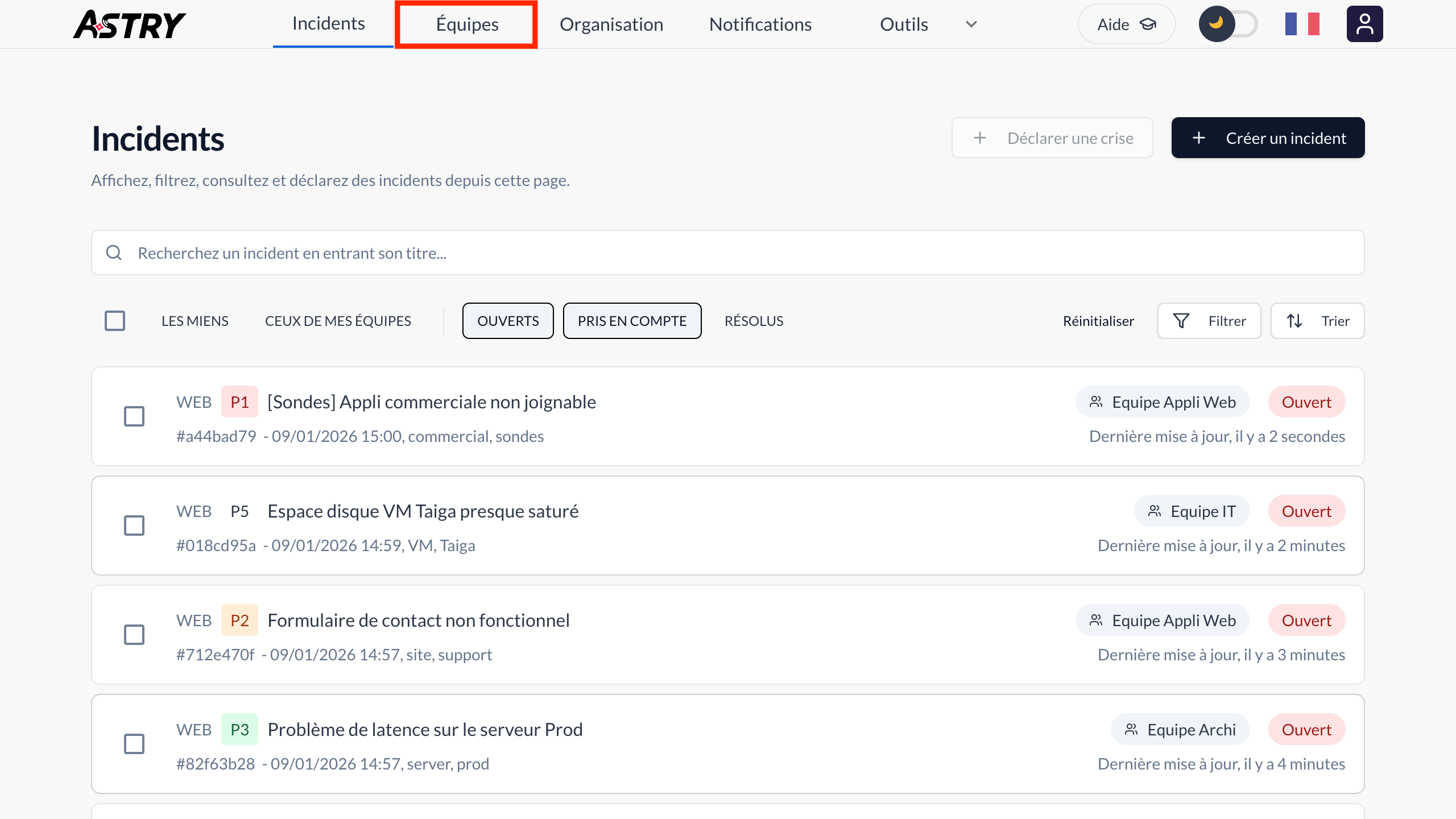
To configure an automatic incident escalation procedure, go to the main Teams tab.
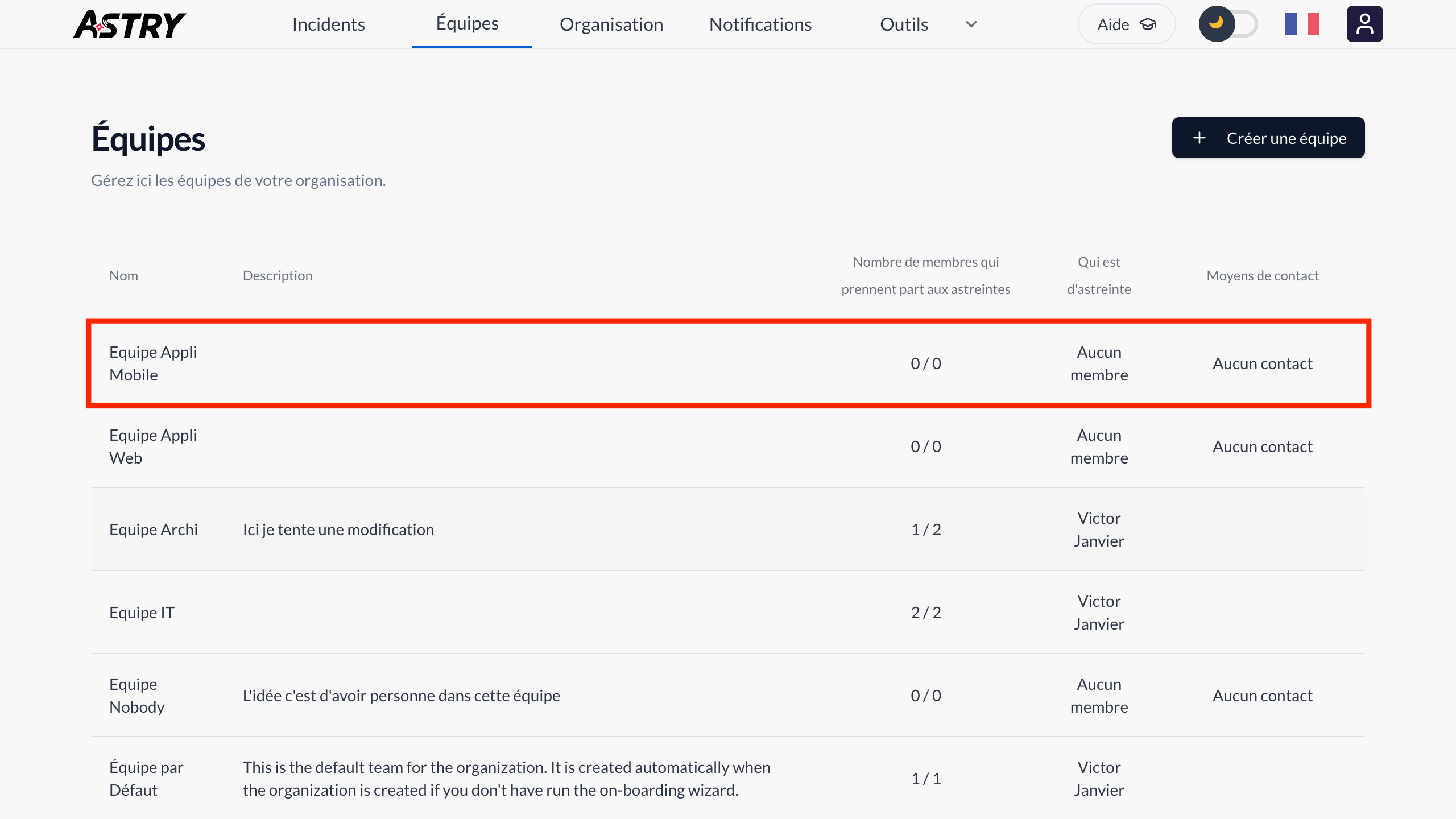
Then click on the team for which you want to configure escalation.
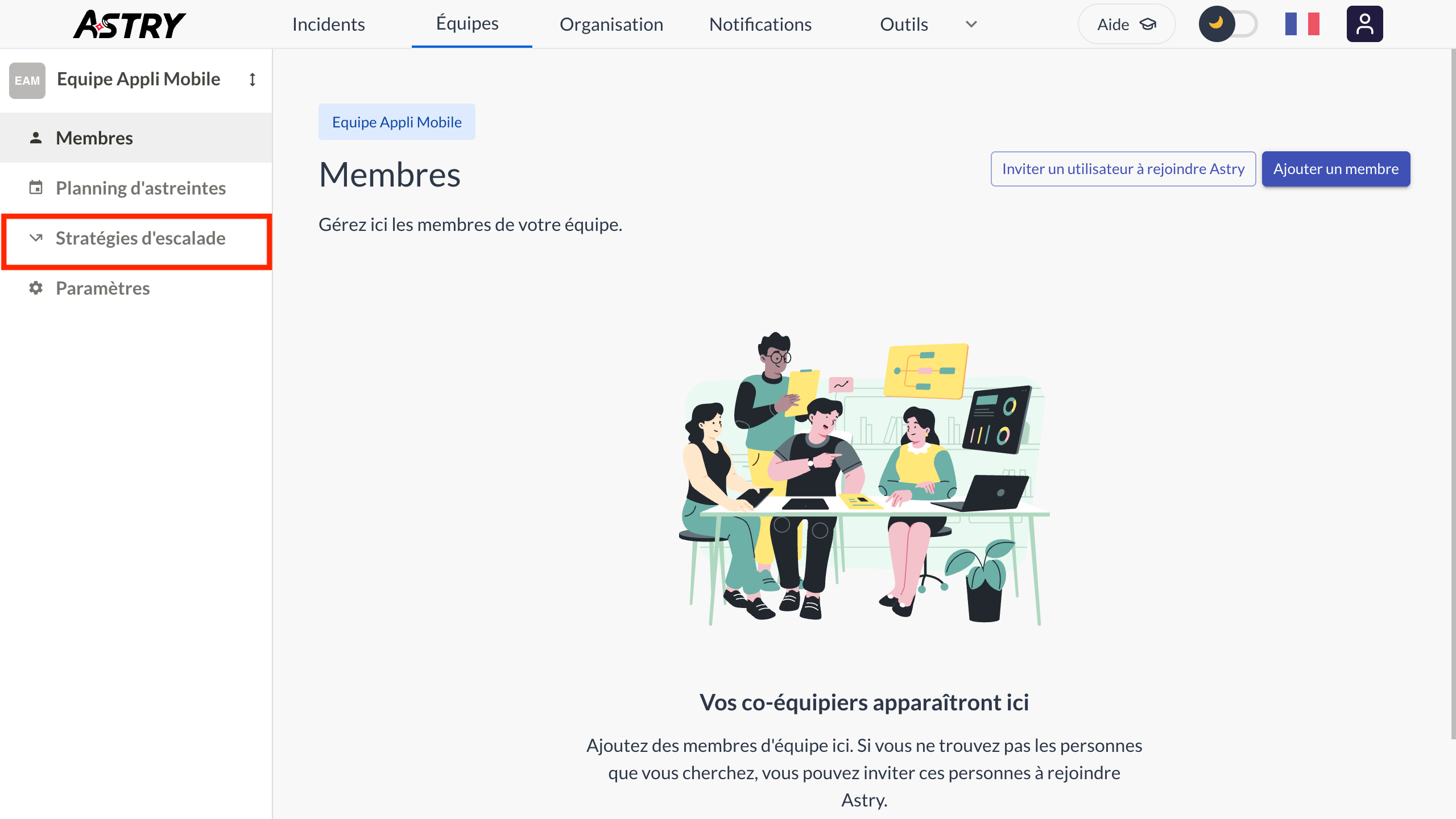
Click the "Escalations" menu.
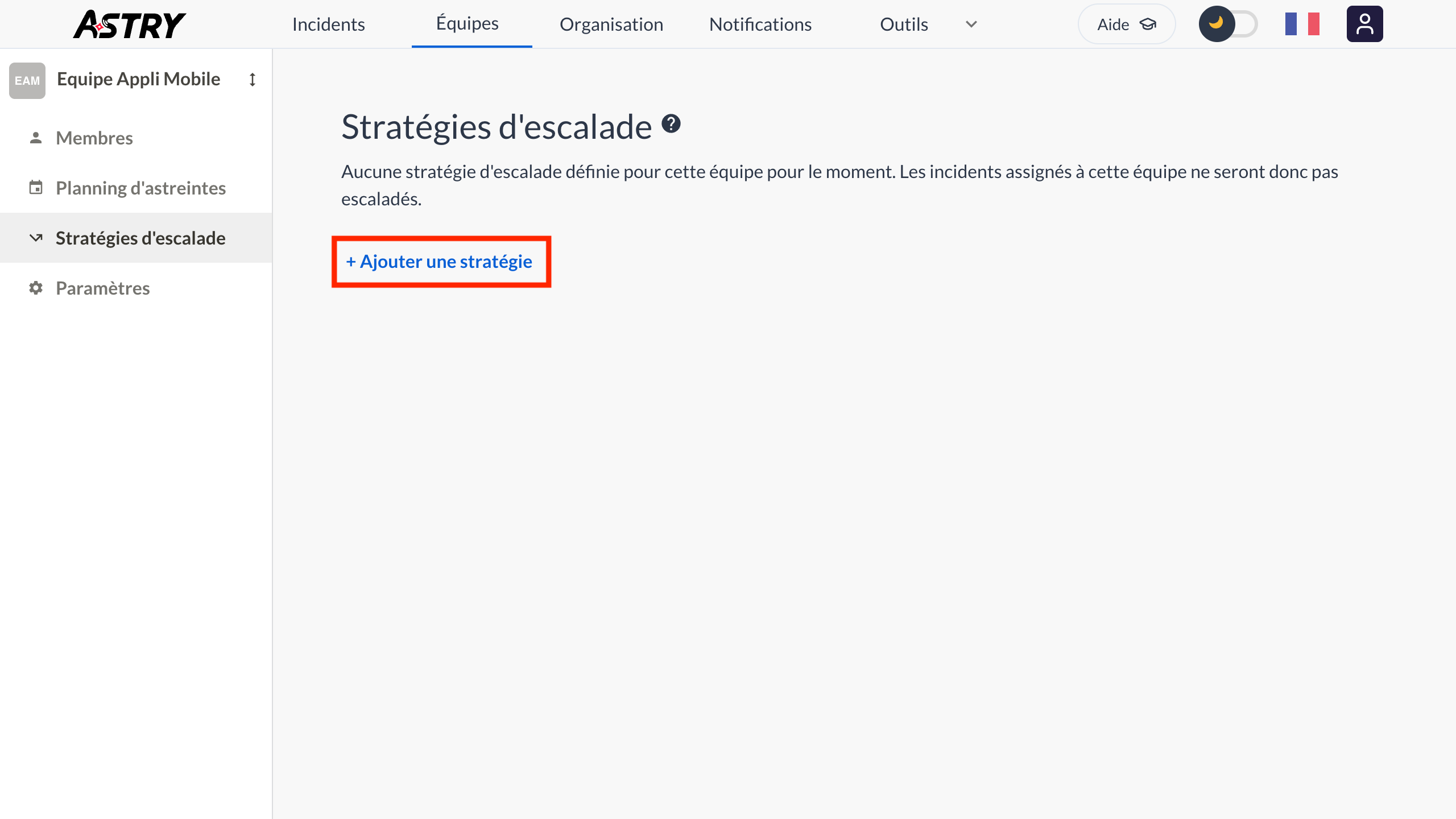
Then click the "Add a policy" button.
Finally, you can configure the escalation policy by giving it:
- a descriptive name (for example "Escalate to the IT team")
- optionally, conditions that incidents must meet to be escalated, specifying whether at least one condition or all conditions must be met (for example "it contains the 'server' tag, or its priority is at least P3")
- the team or user to whom or which incidents should be escalated (for example "the IT team")
- and the waiting time (from 1 minute to 1 week) before the escalation is carried out (for example "within one hour of the incident being created")
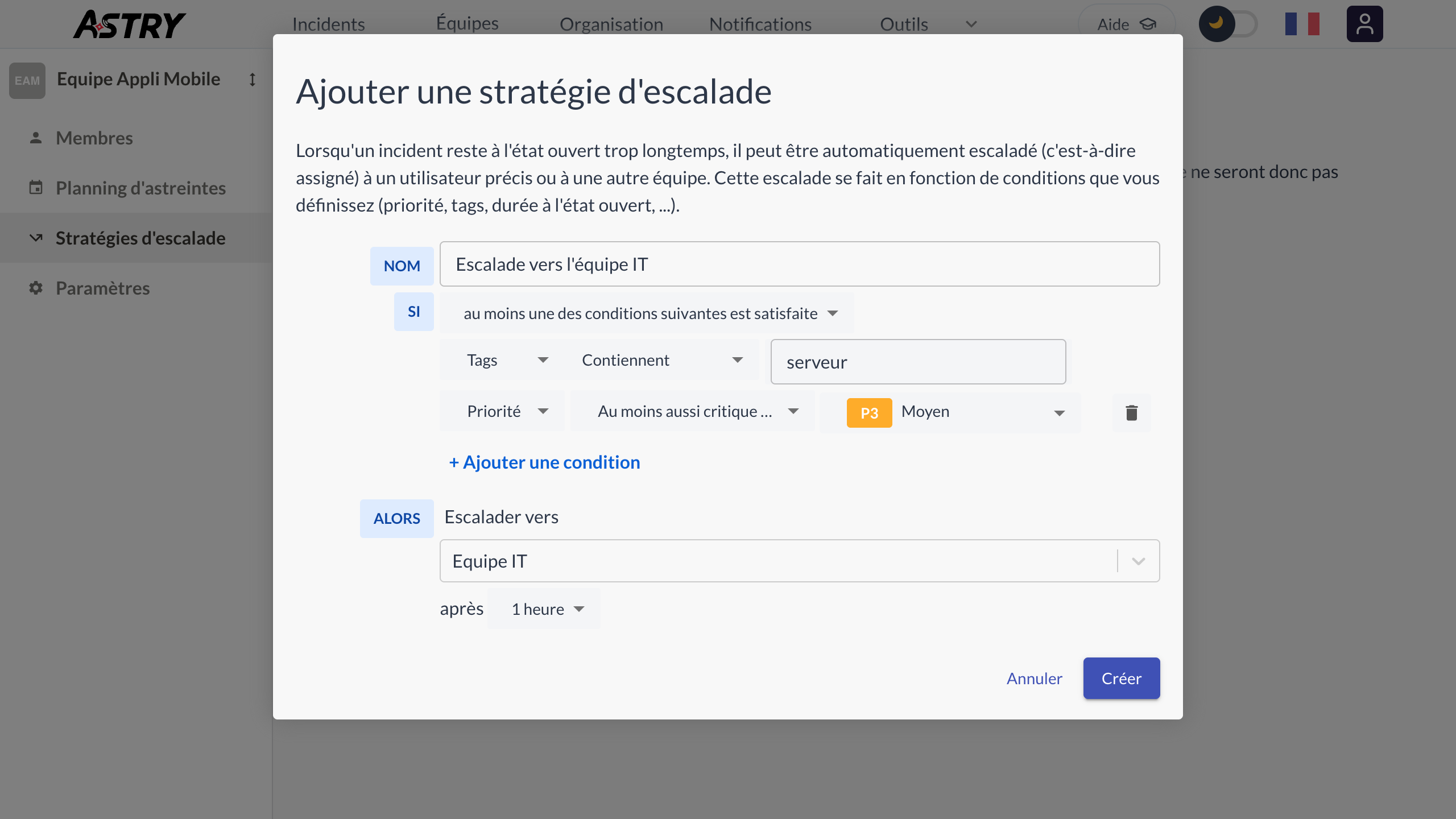
Well done, you've configured your first escalation policy! In the example shown on these pages, the escalation is carried out to the IT team if the incident is not acknowledged (or resolved) within one hour of its creation, and it contains the "server" tag or has a priority of at least P3.
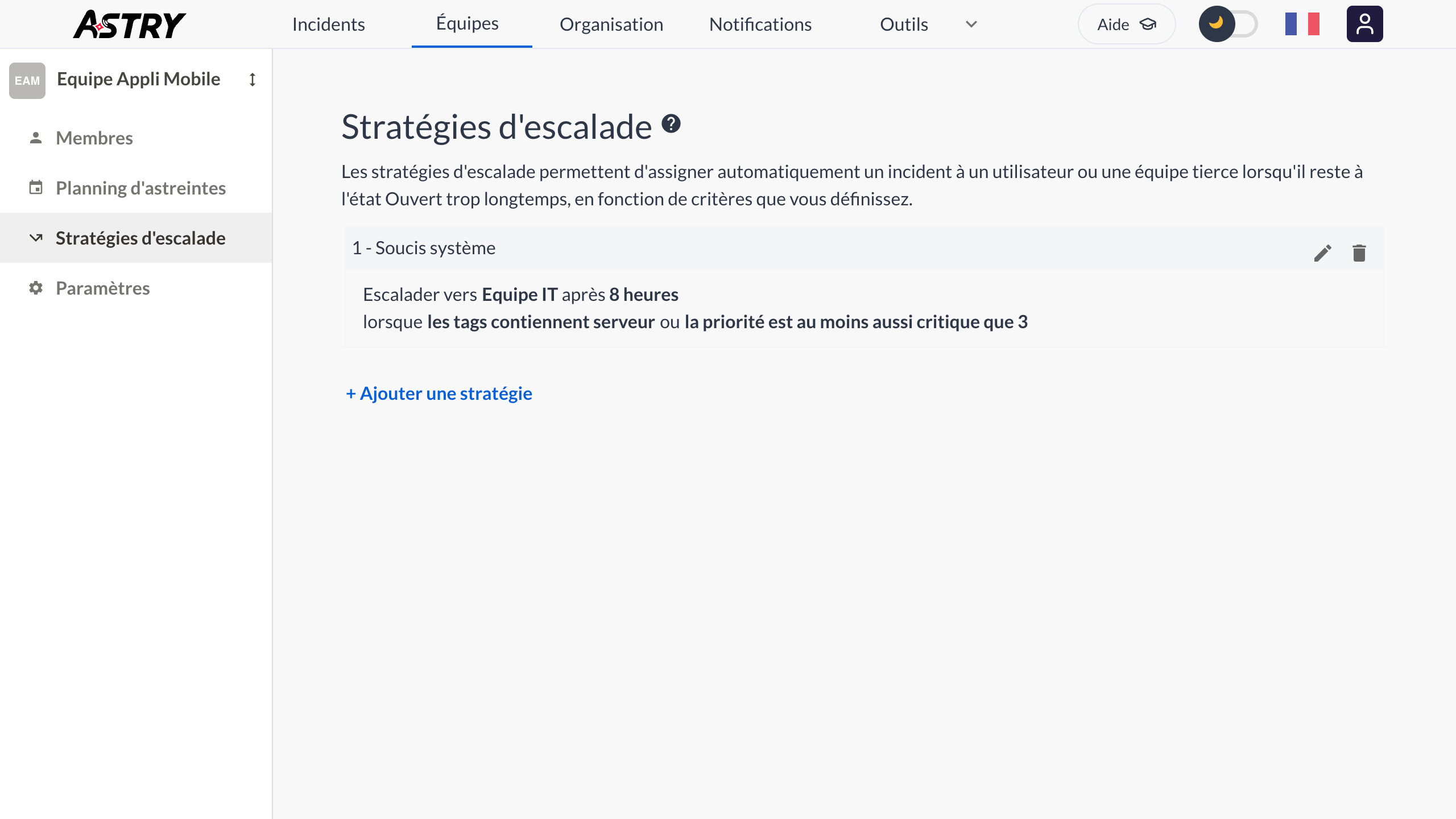
Note: If you define several escalation policies for the same team, they are evaluated in the order shown on screen, and only the first policy whose conditions are met is applied. You can visualize the complete path of incidents in the routing map.